

Construction schedule tracking with a forecast you can check
Milestones with planned dates, progress from site and a forecast end date calculated from the actual pace. You see a slip while there is still time to act, not on handover day.
Phases and milestones as the baseline
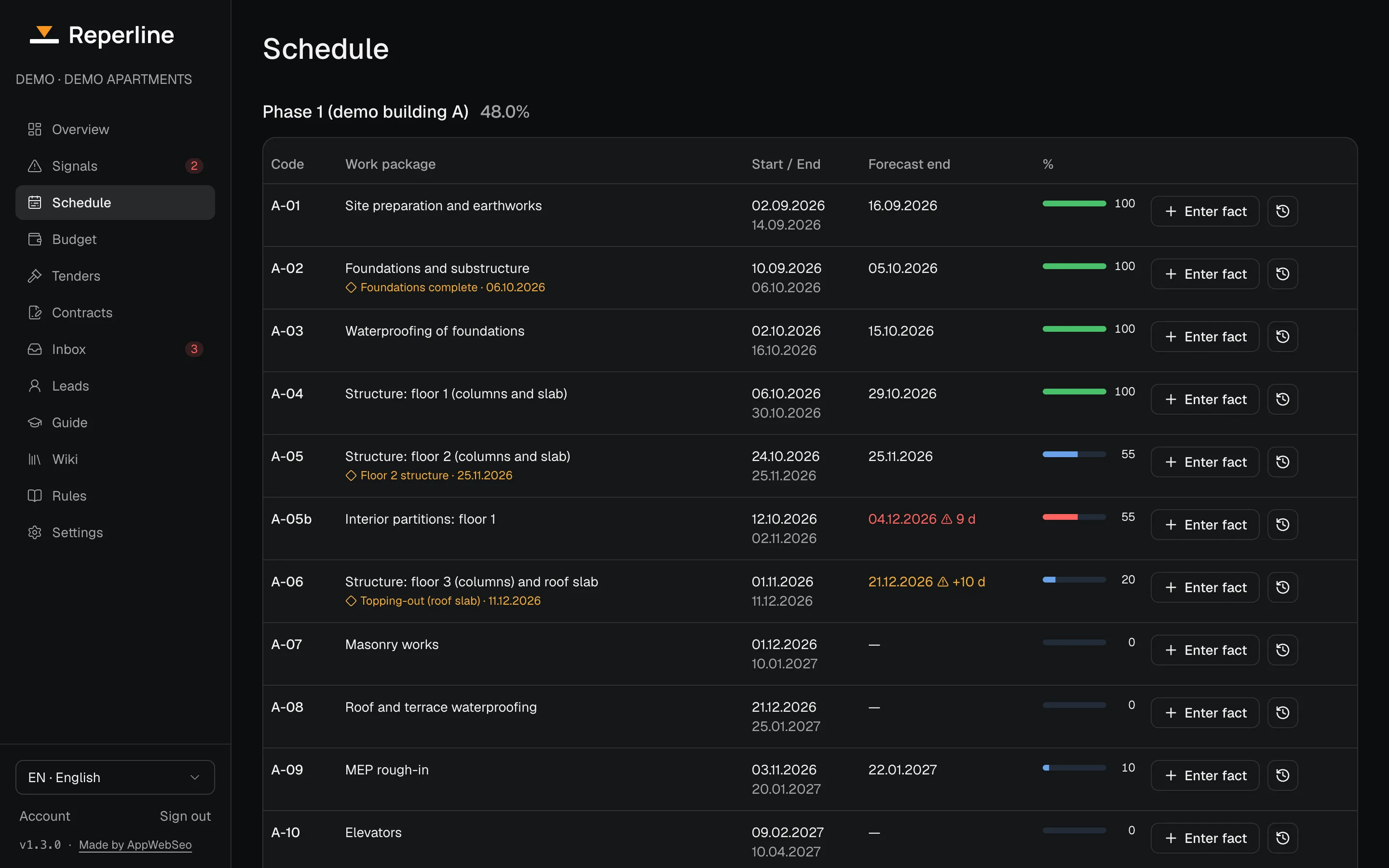
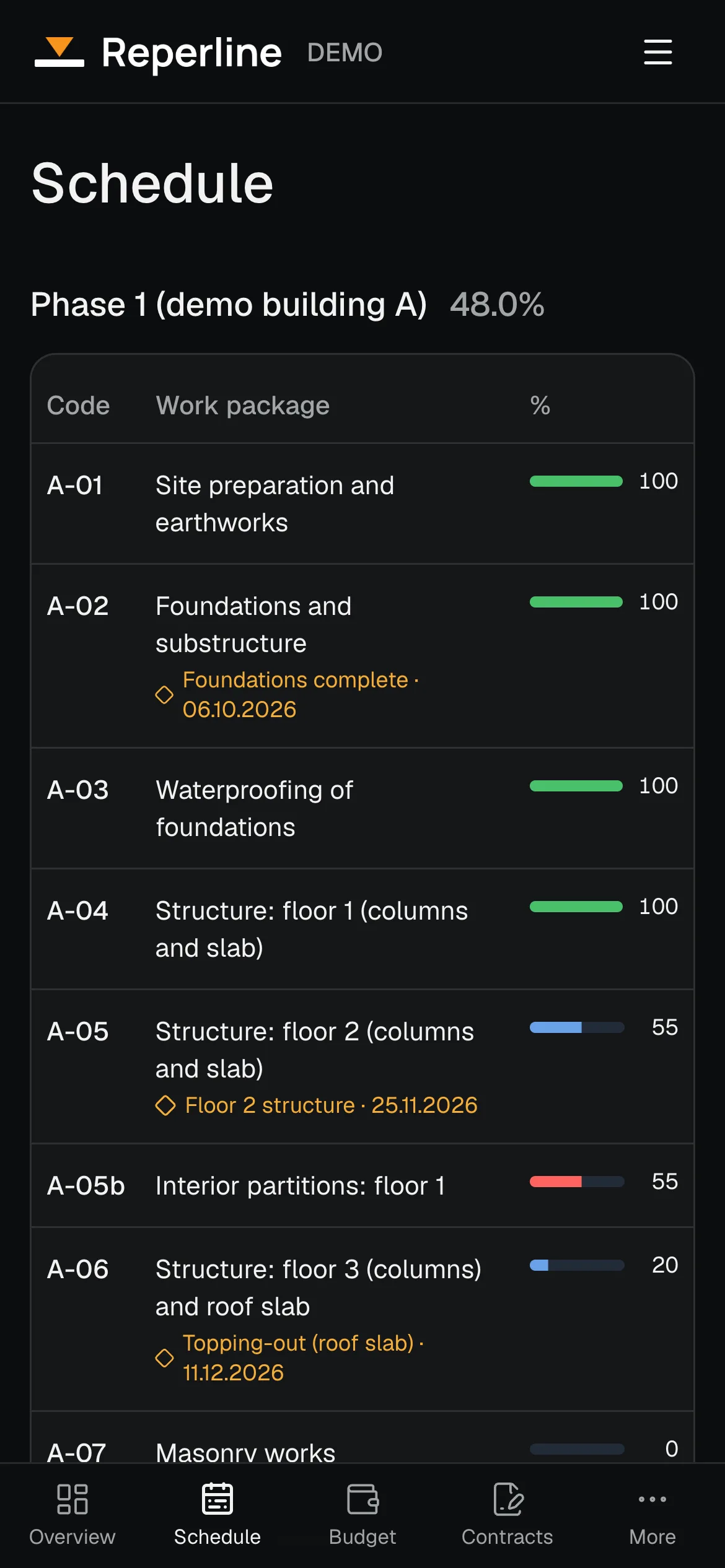
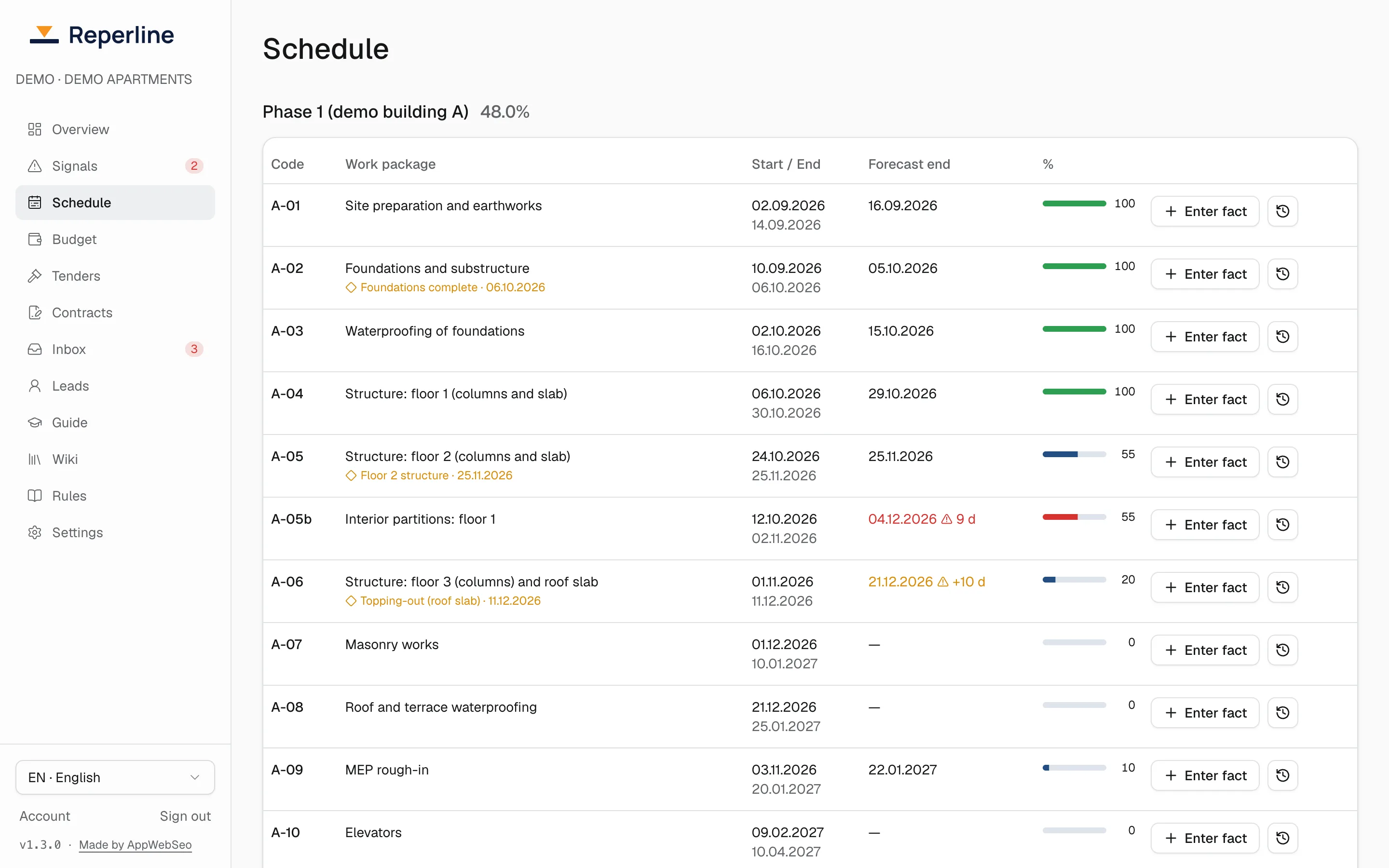
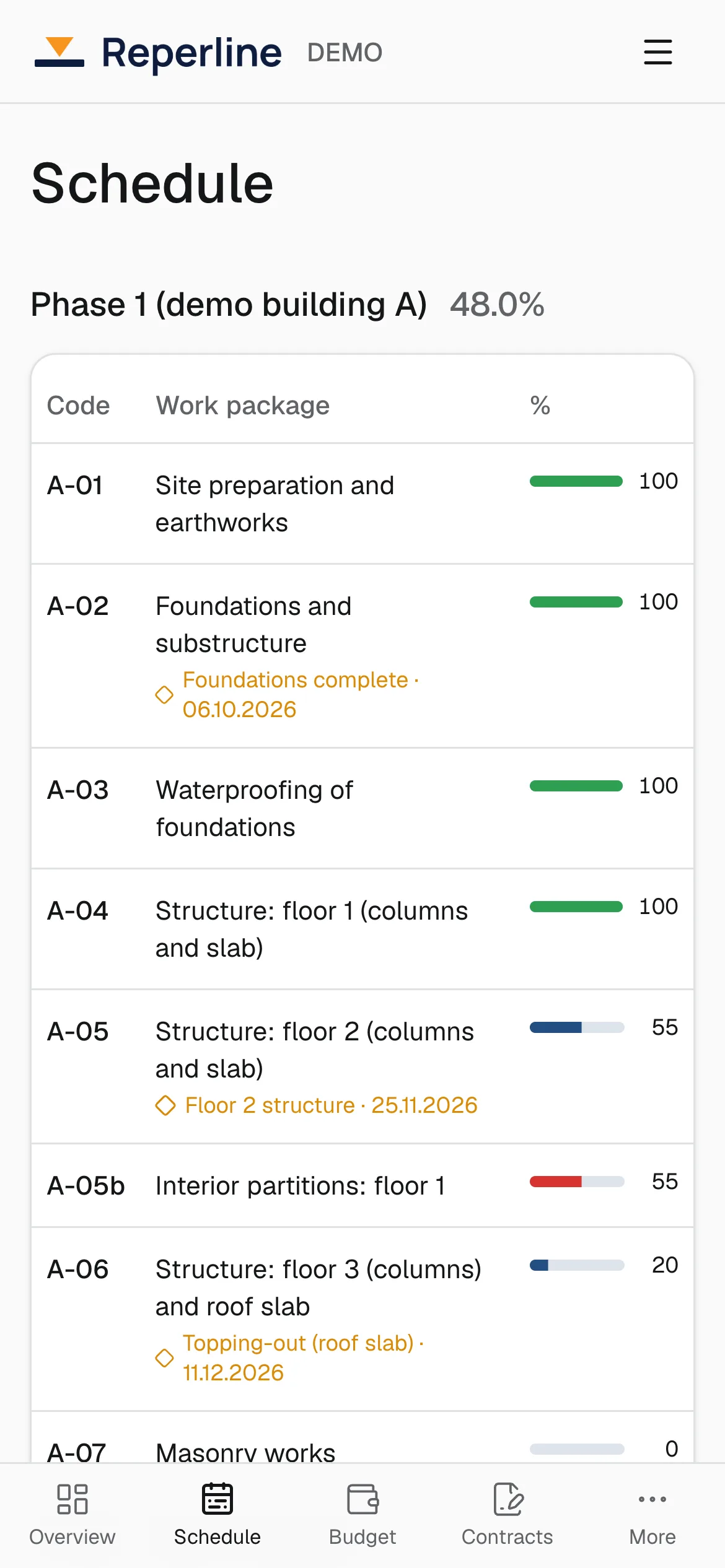
A project is split into phases, and each phase into milestones: work packages with a planned start and a planned end. A milestone can be a floor, a section, a facade or any piece of work you report on. Key milestones can be marked so they stand out on the schedule.
Progress of a phase is the average of its milestones, or a weighted average where you give milestones a weight. Planned dates are edited by the owner; progress is never typed in the office, it comes only from facts.
Import the schedule you already have
You do not have to retype a schedule. Upload it as a PDF: the import reads the work packages and their dates and shows every change as a preview. Nothing is applied until the owner confirms it, and new phases start as planned.
Milestones can also be added and edited by hand. On Project Pro we move your schedule in from your files for you.
Progress comes from the site, not from a meeting
The site manager reports progress with a note and photos from Telegram. Each entry lands in the journal of its milestone with its author and date, and six checks review it before it is saved.
Because every figure has a source, the schedule shows what has actually been built, not what someone hoped to report.
A forecast end date you can check
For every milestone in progress the system projects the end date from its actual pace: the time spent so far, divided by the share of work done. A milestone at 40% after twenty days is forecast to need fifty.
Where there is no progress yet, there is no forecast: none is invented. A milestone whose planned start has passed with no fact at all is marked as missing data, so silence never looks like good news. A manager can set a manual forecast date when they know better, and it replaces the calculated one.
When the schedule slips
Three signals watch the schedule, and the owner can tune their thresholds for the whole company or for one project.
- Milestone overdue: the planned date has passed and the work is not finished. High priority after 14 days.
- Forecast behind plan: not overdue yet, but at today's pace the milestone ends more than 7 days after its planned date.
- Site silent: an active phase has had no new fact for 7 days.
What it is not
Reperline does not replace the software your planners use to build a schedule. It takes the schedule as the baseline and tells you, every day, how far reality is from it and where it is heading.
Questions
Which schedule formats can be imported?
A schedule PDF. The import shows a preview of every milestone and date before anything is applied. If a layout is not read correctly, milestones can be added by hand, and on Project Pro we move your schedule in for you.
How is the forecast end date calculated?
Start date plus the time spent so far divided by the share done. It needs some progress and a start in the past; otherwise there is no forecast. A manual forecast date replaces the calculated one.
Can progress go down?
Yes, when it was overstated before. A lower figure needs a note with the reason, and the entry is flagged for the controller.
Related modules
- Reports are opinions
Field facts
Learn more - Problems have no owner
Signals
Learn more - Money leaks quietly
Budget
Learn more
Further reading
Try it on your own project
Free for 14 days, no card. A wizard builds the project from a template, and the first signal shows right after it.